Introduction: Why Thermal Management for WiFi 6/7 Routers is Critical
WiFi 6 and WiFi 7 routers power today’s hyper-connected homes and workplaces, delivering faster speeds and more stable connectivity. But as these advanced devices push performance boundaries, they face a silent threat: overheating. Effective thermal management for WiFi 6/7 routers is essential for maintaining reliability, reducing downtime, and maximizing network efficiency. This article explains why heat dissipation matters, explores engineering-backed cooling solutions, and outlines step-by-step strategies for keeping your high-performance router running at its peak.
The Link Between Thermal Management and WiFi Efficiency
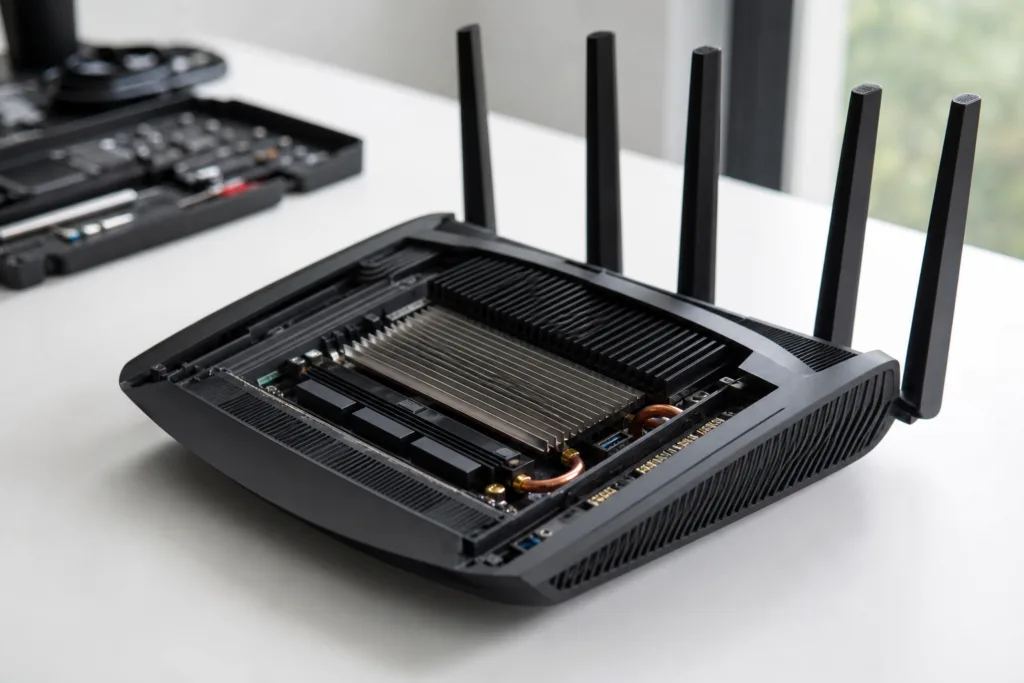
Heat generated inside a router directly impacts signal quality, latency, and hardware lifespan. Thermal regulation ensures processors, radios, and amplifiers operate within safe temperature ranges, preventing performance throttling. Modern routers use heat sinks, ventilation, and temperature sensors, leveraging a blend of passive and active cooling principles to stay efficient.
How Overheating Affects WiFi 6/7 Performance
Routers running above their recommended temperatures may drop signal strength, pause data transmissions, or even shut down for self-protection. Longer uptime and heavier bandwidth loads, especially with WiFi 7’s multi-gigabit speeds and multiple device connections, compound thermal stress. Over time, excessive heat accelerates component aging and can result in WiFi dead zones or unexpected device failures.
Common Design Challenges in Router Cooling
Compact form factors, energy-dense chipsets, and crowded PCBs all pose cooling challenges. Unlike larger industrial hardware, WiFi routers must balance thermal management with aesthetics and cost constraints. Engineers must fit heat spreaders, thermal pads, and vents into sleek cases without compromising durability or RF integrity.
Passive Versus Active Cooling Techniques for Routers
Passive cooling relies on heat sinks, copper or aluminum spreaders, and optimized airflow—components designed to move heat away from sensitive chips naturally. Active cooling employs miniaturized fans or even piezo coolers, offering enhanced performance but creating extra electrical noise and potential reliability concerns. The choice often depends on thermal models, predicted hotspot temperatures, and application cycles.
Material Selection: Impact on Router Heat Dissipation
Router casings and internal substrates determine how heat moves through the device. High thermal conductivity plastics, specialized adhesives, and metallic inserts all influence cooling effectiveness. For example, thermally conductive adhesives can bond heat sinks while minimizing air gaps, improving overall heat transfer efficiency. Explore thermal conductive adhesives for electronics here.
Design Considerations for Optimal Airflow
Strategic placement of ventilation holes, orientation of internal components, and careful layout of heat-generating chips are essential for natural convection. Engineers often simulate airflow patterns to prevent stagnant heat pockets near RF amplifiers or processors—simple steps like elevating a router from flat surfaces can make a noticeable difference.
Thermal Sensors and Real-Time Monitoring
Many WiFi 6/7 routers include temperature sensors, enabling dynamic adjustments such as throttling speeds or activating cooling fans. These real-time systems ensure that devices avoid temperature spikes, preserving both performance and safety.
Case Study: Effective Cooling in WiFi 7 Routers
Leading manufacturers have adopted double-layered heat sinks, intelligent fan controls, and custom thermal pads to manage high throughput scenarios. Notably, the latest enterprise WiFi 7 models use aluminum chassis and nano-coated thermal compounds for sustained multi-user sessions without signal drops or shutdowns.
Integrating Thermal Epoxy for Robust Assembly
Thermal epoxy, a specialized adhesive, bonds heat sinks to chips without creating insulating gaps. Used properly, it ensures reliable long-term heat conduction. Discover how thermal epoxy compares with softer thermal materials.
Balancing Performance and Longevity
Maintaining a consistent operating temperature is the key to unlocking peak router performance and maximizing hardware lifespan. Designs that overcool may waste energy, while undercooled devices suffer from instability and faster component wear.
Thermal Management for WiFi 6/7 Routers: Core Principles
The core pillars: select thermally conductive materials, design for airflow, monitor temperatures, and use advanced adhesives where needed. When all these are optimized, routers deliver stable, uninterrupted WiFi for years.
Active Cooling: Pros, Cons & New Innovations
Active cooling can add cost, complexity, and noise. Yet, in high-traffic settings or gaming, it’s often the deciding factor for sustained speed. Innovations like silent micro-blowers and smart fan algorithms mitigate downsides.
The Role of Adhesives in Router Assembly
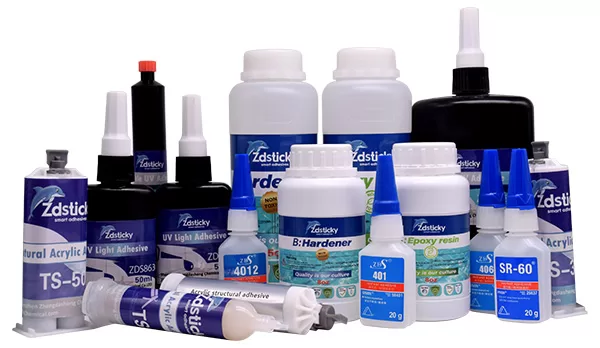
From an assembly-line viewpoint at ZDS Adhesive, an industrial adhesive manufacturer, attention to adhesive selection and cure mechanisms is crucial. Applications require adhesives with acceptable pot life, open time, and effective thermal conductivity for bonding plastics or aluminum surfaces. Proper fixture time and bond-line thickness are check-points after thermal cycling and humidity aging tests. For sensitive components, low outgassing characteristics are pivotal to prevent camera lens fogging or hot spot failures. Understand low outgassing adhesives here.
Router Hotspots: Identifying and Addressing Critical Areas
Typical hotspots include radio transmitters, network processors, and power management circuits. A targeted approach, such as localized heat sinks or thermal pads, can resolve most of these issues without over-engineering.
Venting and Grille Design: Aesthetic vs. Functionality
Grille shapes and sizes impact both airflow efficiency and product aesthetics. Engineers often model vents to optimize airflow while keeping dust and debris out—a tricky compromise with consumer preferences for minimalist designs.
Thermal Interface Materials: Pads, Grease, Tapes
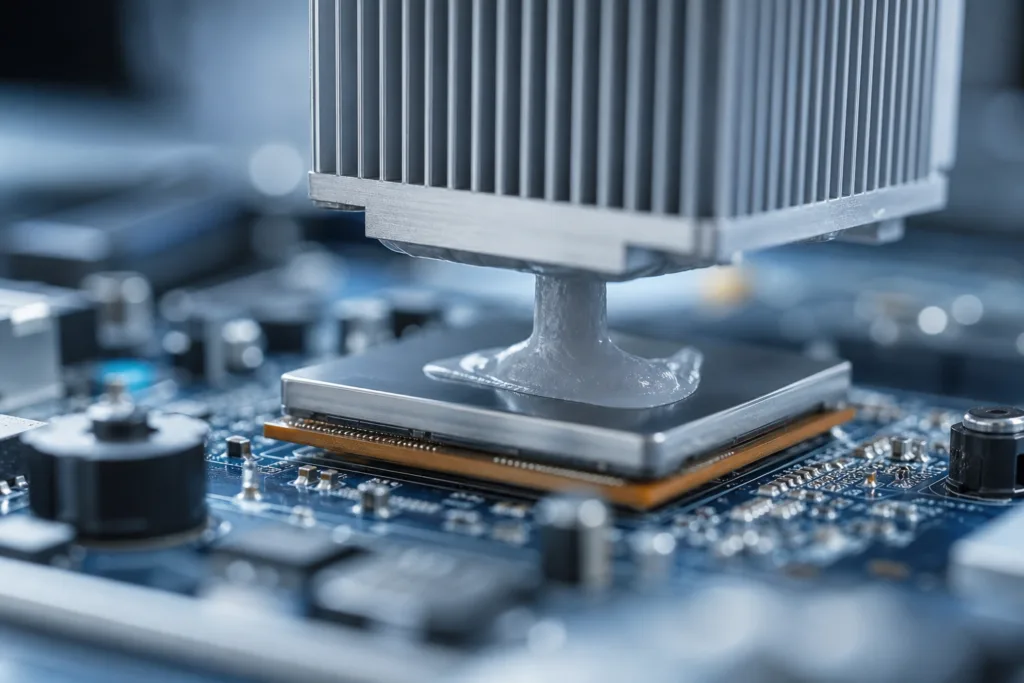
Thermal pads, greases, and tapes fill microscopic irregularities, enhancing heat transfer. Choosing the right material depends on process control, heat dissipation targets, and assembly requirements. See a real-world comparison of thermal grease vs pads.
Testing for Heat Management: Lab Techniques
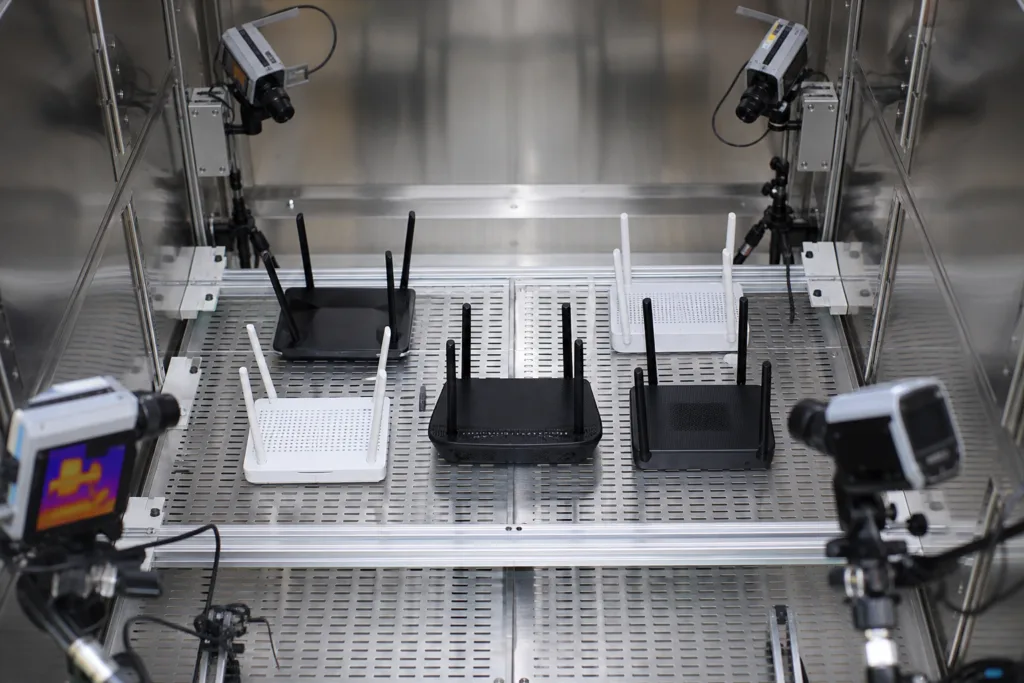
Routers are tested with thermal imaging, lap shear, peel, and humidity aging protocols. The goal: simulate real-world conditions and validate cooling systems before mass production.
Balancing Thermal Performance with WiFi Signal Quality
Materials that conduct heat well may also interfere with radio signals if not carefully selected. Engineers must consider dielectric properties to minimize signal loss, especially for millimeter-wave bands.
Performance Metrics: What to Measure and Why
Metrics such as maximum safe operating temperature, thermal cycling durability, and recovery time after thermal events are tracked during router development. These parameters predict both reliability and peak efficiency.
Environmental Factors: Placement and Ambient Temperature
Router placement matters. Devices located near windows, heating units, or unventilated corners face extra thermal loads. Guidance from user manuals—and field experience—suggests the best locations for cooling and signal strength.
Assembly Adhesive Challenges: Plastics, Metal, and Composites
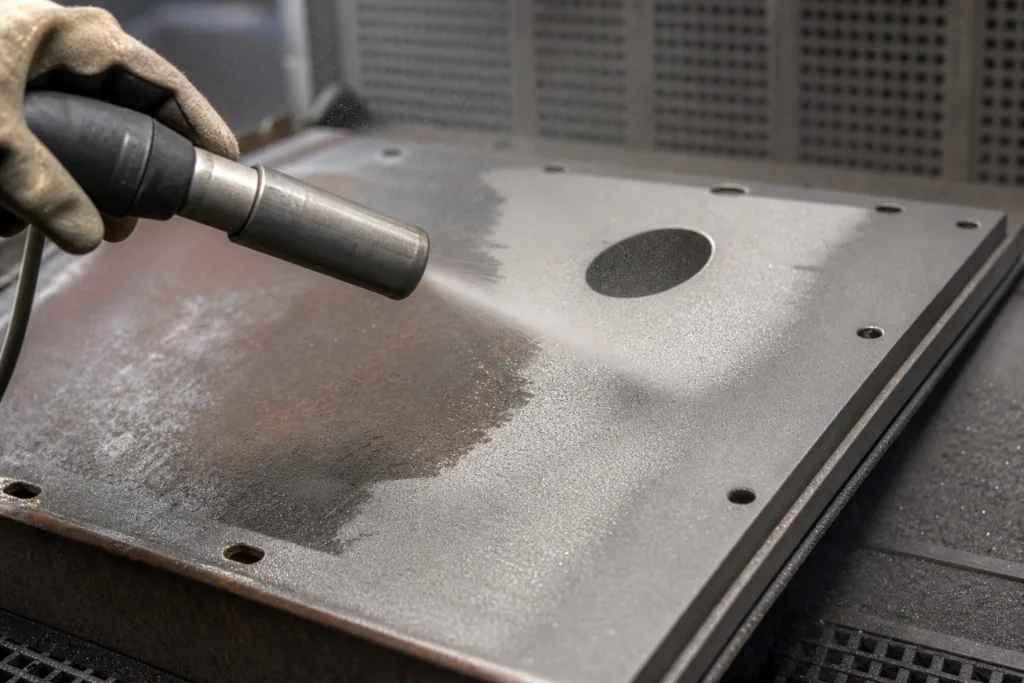
Bonding high thermal conductivity plastics or metals often requires primers or plasma treatment. In practical terms, choosing adhesives with sufficient lap shear and peel strength prevents failures during thermal cycling or exposure.
Upgrade Path: Next-Generation Cooling for Future Routers
WiFi router cooling will continue to evolve with new materials, integrated smart sensors, and modular heat spreader solutions. Innovations from the electronics, automotive, and power device sectors may soon yield quieter, more sustainable cooling techniques.
Summary: Engineering Solutions for Smarter, Cooler WiFi Routers
Addressing thermal management for WiFi 6/7 routers is not just a design detail—it’s a fundamental factor that determines network speed, reliability, and device longevity. With smart materials, optimized airflow, and rigorous testing, the next generation of routers will be more resistant to heat-related disruptions and ready for tomorrow’s connectivity demands.
Frequently Asked Questions
What causes overheating in WiFi 6/7 routers?
Multiple high-performance chips, dense placement, and continuous heavy usage generate excess heat, especially in compact routers with limited airflow.
How does thermal management improve WiFi efficiency?
Effective cooling maintains optimal hardware temperatures, which prevents signal drops, reduces latency, and prolongs router component life.
Is active cooling better than passive cooling for routers?
Active cooling is superior under high demand but adds noise and complexity. Passive solutions best suit home users and quieter spaces.
Which materials are best for router heat management?
Aluminum, high-conductivity plastics, and specialized adhesives support efficient heat dissipation without interfering with WiFi signals.
Can I improve router cooling at home?
Elevate your router, keep vents clear, and avoid placing it near heat sources. Small tweaks often have a big impact on temperature and speed.
Why is adhesive selection important in router assembly?
Choosing the right adhesive ensures reliable bonding, strong heat conduction, and prevents failures due to hot spots or humidity-related aging.
Related Reading
- Industry Advances in Packaging Materials for GaN & SiC Devices
- Epoxy Resin Adhesives: Full Guide for Reliable Electronic Bonds
- Building Lasting Structures: High-Strength Epoxy Adhesive Solutions
- Polyurethane-Based Adhesives: Key Applications and Selection Criteria
- OCA vs LOCA: Choosing the Right Optical Adhesive for Electronics